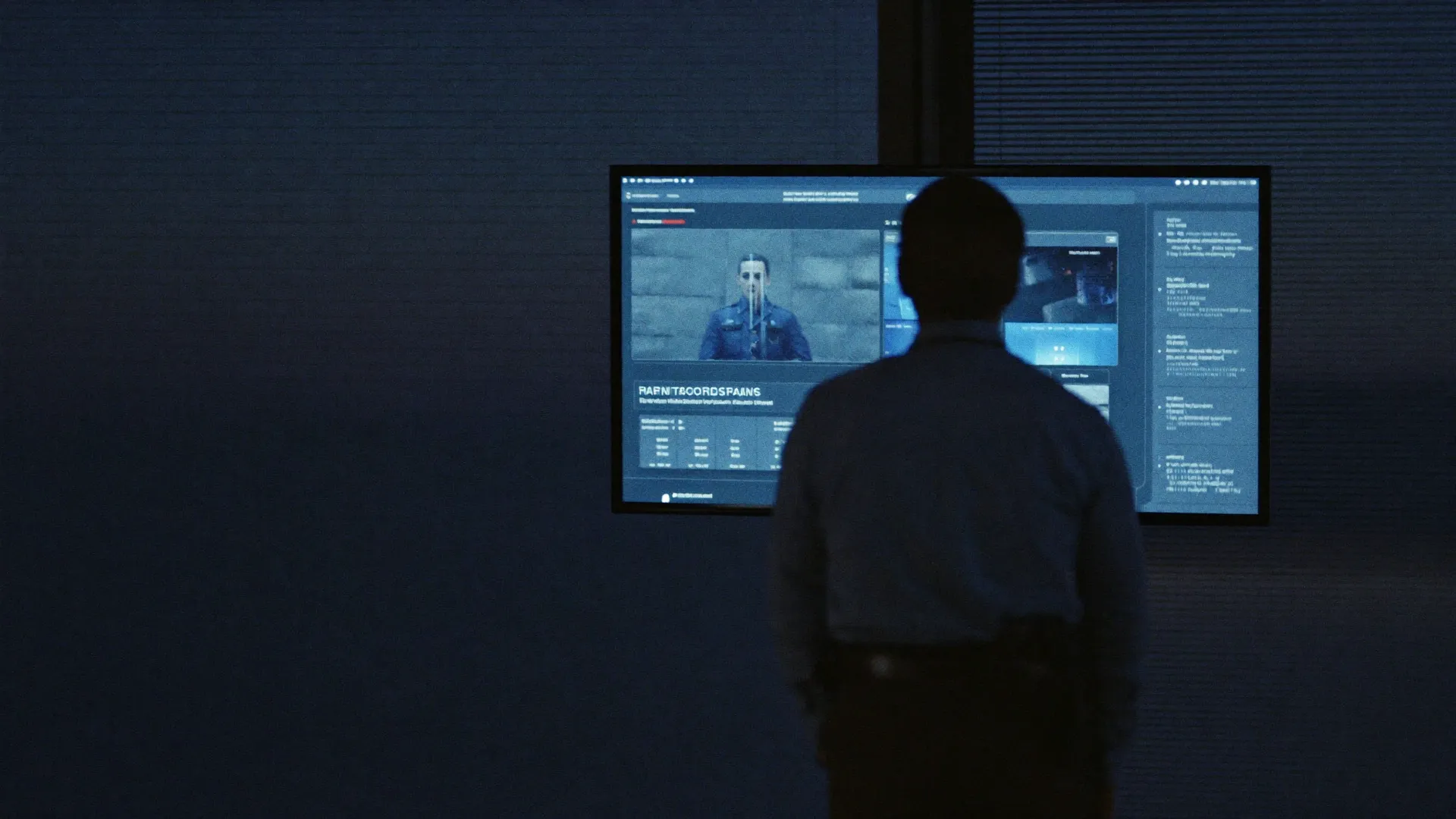
Prove your guards showed up. Keep the contract.
GuardOps captures GPS-verified clock-ins, camera-timestamped daily activity reports (DARs), and incident logs, then exports client-ready proof in one click. So the next time a client questions coverage, you send receipts instead of excuses.
30-day free trial · No credit card · Built for security operations
- GPS-verified clock-in
- Camera-only DAR photos
- Client-ready exports
Built by Sayed Qureshi, a working security guard who stands the same posts your guards do.
Read the founder noteSecurity companies lose trust when proof is missing.
When operations run on paper trails and phone calls, every question from a client turns into hours of chasing guards for answers you should already have.
Missing DAR
UnresolvedThe shift happened. The paperwork did not survive it.
No GPS proof
UnverifiedYou believe the patrol happened. You cannot show it.
Late clock-in
UndetectedNobody knows until the client calls about an empty post.
Client dispute
EscalatedCoverage arguments become refund conversations without records.
Supervisor follow-up
PendingHours on the phone reconstructing what should be in a report.
Report search delay
BuriedThe incident from March exists, somewhere in a box of paper.
Built for the work security teams actually do.
Verified clock-ins, live visibility, patrol proof, and client-ready exports. The parts of guard operations a spreadsheet cannot cover.
GPS/geofence clock-in
Guards can only clock in inside the site geofence. Prove the right guard was on the right post.
Selfie verification
Login selfie checks confirm who actually started the shift. No buddy punching.
Live guard map
See active shifts across every site without a single phone call.
Patrol checkpoints
Timestamped checkpoint scans prove the rounds actually happened.
PDF/CSV exports
Turn any date range into a branded, client-ready proof pack in one click.
Supervisor review
Approve reports and flag issues so every shift has an accountable record.
See the whole operation, one tab at a time.
Every shift leaves the same trail: a verified clock-in, field reports, a supervisor sign-off, and a proof pack your client can actually read. Every screen below is a coded sample preview, not a stock illustration.
One operations view of guards on duty, report queues, open incidents, and live site activity.
Operations overviewLive
Designed for sensitive security operations data.
Guard locations, incident photos, and client reports are sensitive. Here is plainly how we handle them.
Tenant isolation
Every company's data is isolated with database-enforced row-level security.
Role-based access
Owners, managers, supervisors, and guards each get only the access their role needs.
Encrypted in transit & at rest
TLS on every connection; database and file storage encrypted at rest.
Private evidence storage
Photos and incident evidence live in private buckets, served only through short-lived signed URLs.
Audit trail
Key actions are recorded with timestamps so activity can be traced and reviewed.
Security documentation on request
We share security documentation and complete vendor questionnaires during evaluation.
SOC 2 readiness roadmap
We are building toward SOC 2 readiness. We do not claim certifications we do not hold.
- Full detailsRead the full security overview
Built for how security work actually gets done.
From a single guarding contract to multi-site operations, GuardOps fits the work.
Security Guard Companies
Run guarding contracts with verified clock-ins and client-ready proof.Property Management Security
Show building owners exactly how their sites were covered.Construction Site Security
Track patrols and incidents across active job sites.Parking & Garage Patrols
Log rounds, incidents, and coverage across structures and lots.Retail Loss Prevention
Document incidents and activity for store and district leaders.Event Security
Coordinate guards and capture proof across one-off and recurring events.Fire Watch
Timestamped patrol logs and checkpoints for fire watch coverage.
Stop running security operations through paper, texts, and spreadsheets.
The same shift, two very different records. One you can defend; one you can't.
The old way
- Paper DARs that get lost
- Text-message shift updates
- Screenshots passed off as proof
- Missing incident history
- No central dashboard
- Hard, he-said-she-said client disputes
The GuardOps way
- Structured digital reports
- Centralized site activity
- Searchable history
- Supervisor review and approval
- Exportable, client-ready proof
- Cleaner client communication
Simple, transparent pricing.
One plan, billed per guard. $49/mo includes 5 guards, then $9 per additional guard. Unlimited sites, every feature included, 30-day free trial, no card.
GuardOps
One plan. Everything included. Billed per guard.
- Unlimited sites, never billed
- Only guard count drives price
- Owners, managers and supervisors are free
- Every feature included, no feature gates
- 30-day free trial, no credit card
Custom
Running 75+ guards? Let's tailor a plan to your operation.
What would it cost for your team?
$49 base + 5 × $9 = $94/mo
Managers & supervisors are free and sites are unlimited, only guards count.
Every plan includes everything
No feature gates. Every feature is included for every team, only your guard count drives the price, and sites are always unlimited.
- Unlimited sites
- Geofenced GPS clock-in/out
- Live GPS tracking
- Biometric login verification
- Patrol checkpoints
- Unlimited PDF/CSV exports
- Client-ready proof exports
- Mobile guard app (iOS · Android soon)
Built by someone who has stood the post.
Sayed Qureshi built GuardOps while working security shifts. The product is shaped by the real problems guards, supervisors, and security company owners deal with every day, from missing reports and unverifiable patrols to late clock-ins, client disputes, and scattered communication.

Sayed QureshiFounder, working security guard
Built from the field
- Stands posts and runs patrols
- Files the same DARs your guards file
- Built for proof, accountability, and cleaner reporting
- Every feature tested against a real shift
Questions, answered.
Everything you need to know about getting your operation onto GuardOps.
Most security companies upload their sites, invite their guards, and are running in under an hour. You can bulk import guards and sites via CSV to move even faster.
No. Guards use the GuardOps mobile app on their own smartphone, available on iPhone today, with Android coming soon, to clock in and submit reports from the field.
No. GuardOps records location at clock-in and clock-out and during active, scheduled shifts only. Guards are never tracked off the clock, and as the employer you control the consent policy for your team.
Yes. Turn any date range into a branded, client-ready PDF proof pack covering clock-ins with GPS, DARs, incidents, and photos. CSV exports are included on every plan.
Not yet, and we will not claim otherwise. We are working toward SOC 2 readiness, documenting controls and preparing for a future independent audit, and we share security documentation for vendor reviews on request. See the Security & Trust page.
At the end of your 30 days you choose the plan that fits your operation. We do not require a credit card to start the trial, so there are no surprise charges.
Yes. You can bulk import guards, sites, and clients with a simple CSV upload, so you are not re-entering everything by hand.
Still have questions? Talk to us.
Make every shift easier to prove.
Verified check-ins, timestamped reports, and client-ready proof packs. Run your security operations from one platform.